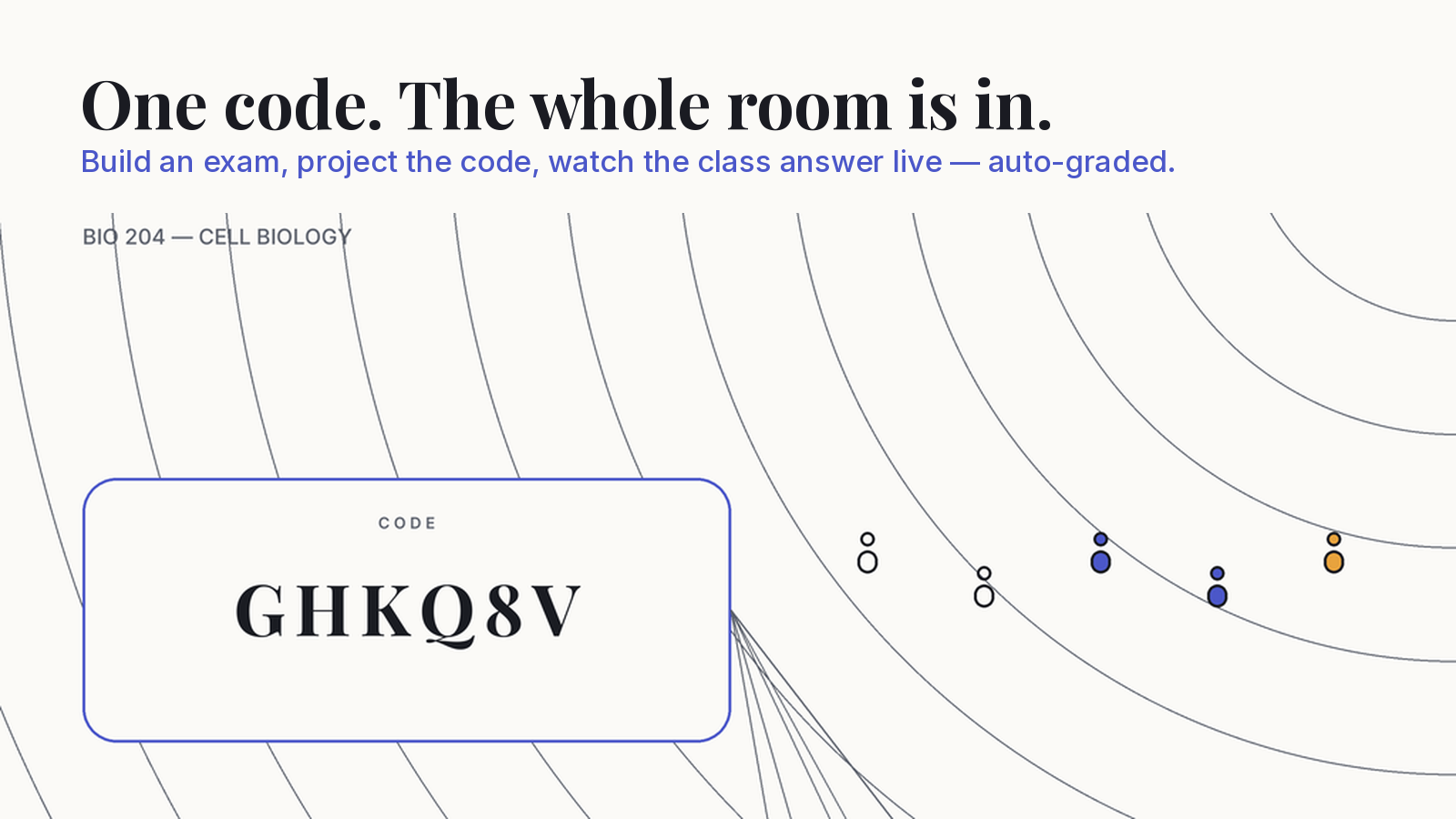
A test creator is a tool for building a test — questions, answers and marks — and getting it in front of students. Room Quiz is a test creator for teachers who give the test in a real room: you build the exam on your phone, project a six-character code, and every student answers from their own phone browser.
How to create a test in Room Quiz
- Create a course. A course holds your exams and the room code students will use.
- Add the questions. Type them in, pull them from your question bank, import a whole set from CSV, or upload a PDF, Word document or photo of a paper and let the AI draft questions from it. Set the correct answer and the points for each one.
- Set the rules. Shuffle the question order and the answer options per student if you want to, and give the exam a timer.
- Open the room. A six-character code and a QR code go up on the projector. Students scan the QR or type the code at the join page, add their name, and they are in.
- Watch it fill in. A live board shows who has joined, who is still writing, how far through they are, and who has submitted. If every question is objective, each attempt is scored while the room is open; otherwise one tap on Auto-grade scores the objective answers.
That is the whole loop. Nothing in it asks a student to install anything or make an account.
A test creator built for the room, not the homework
Most quiz tools assume the student is alone at a laptop with an account. A classroom is the opposite: forty people, forty different phones, and ten minutes. Room Quiz starts from that room. The only thing a student needs is a browser and the six characters on the board — and the only person who ever signs in is you.
The QR on the projector opens a link with the room code already filled in, so on most phones a student scans, types a name and starts. If the QR will not scan from the back row, the six characters work just as well typed by hand.
Six question types, and how each is graded
You can mix all six in one exam:
- Multiple choice, single answer — one correct option. Graded automatically.
- Multiple choice, multiple answers — several correct options. Graded automatically.
- True / false — graded automatically.
- Fill in the blank — graded automatically against the answer you set.
- Short answer — a few lines of text, left for you to mark.
- Essay — left for you to mark, because no honest test maker should pretend to grade an essay automatically.
That mix is what makes it a real exam rather than a trivia game: you can put ten quick multiple choice questions and one written answer on the same paper.
Making a multiple choice exam fair
The weak point of any phone-based multiple choice exam is the student next to you. Room Quiz gives you two controls for it. Shuffled question order means neighbours are not on the same question at the same time, and shuffled answer options means “it’s B” is useless advice, because B is a different answer on every phone. Add a timer and the exam ends when it should, for everyone.
None of this stops a determined student with a second device, and nothing on a phone can. What it does is remove the easy glance across the desk, which is most of what happens in a real room.
Write a question once, use it every term
Every question you write goes into a question bank you can filter by type and reuse across exams and courses, so next term’s exam starts from this term’s. If you already have questions in a spreadsheet, import the whole set from CSV, and export it back out whenever you want a copy that lives outside the app.
Let the AI draft questions from your own material
If the questions already exist on paper, you do not have to type them again. Upload a PDF, a Word document, or a JPG or PNG photo of a paper and Room Quiz drafts questions from it. Nothing goes into your bank, and nothing goes near a student, until you have reviewed and edited each drafted question. The AI saves you typing; the exam is still yours.
Results without the marking pile
If the exam is all objective questions, Room Quiz scores each attempt on your phone while the room is open, so by the time the last phone goes down the marking is done. If it also has written answers, one tap on Auto-grade scores the objective part and the short answers and essays wait for you. Each student sees their result, and gets a score card they can keep, once their exam is graded. You get the results and analytics for the whole exam.
What it deliberately is not
It is not a trivia game with a leaderboard and a buzzer. There are no points for being fast and no music. It is not a student study app either: there is no practice bank for students to drill on their own. It is the exam — the one you set, in your room, graded the way you set it.
Is there a free test creator for teachers?
Room Quiz is free for one active course at a time, with unlimited students, every question type, auto-grading, the question bank and the live room. If you teach more than one course at once, Room Quiz Pro unlocks unlimited active courses with a Term Pass (4 months) or a Year Pass (12 months). Both are one-time purchases that never renew on their own, so you will never find a forgotten subscription on your card in July. Students never pay anything.
Who it is for
University lecturers running a mid-term in a lecture hall, school teachers giving a quick graded check at the end of a lesson, coaching centres running weekly tests, and corporate trainers closing a session with an assessment. Anyone who needs to run a graded test in a real room, on the phones people already carry, without a set of clickers or a computer lab.
Room Quiz is built by Teamz Lab.