Best Flashcard App: Pick by the Scheduler, Not the Card Design
The best flashcard app is the one whose scheduler brings each card back just before you would forget it, and whose cards you will actually make. For most people that comes down to three questions: does it use FSRS or the older SM-2, does it write the cards for you or make you write them, and can you take your decks with you if you leave.
Card colours, streaks and mascots matter far less than any of those. A pretty app that shows you every card every day wastes your time; a plain app with a good scheduler can cut your review load sharply for the same recall. This guide compares four apps on the parts that decide the result.
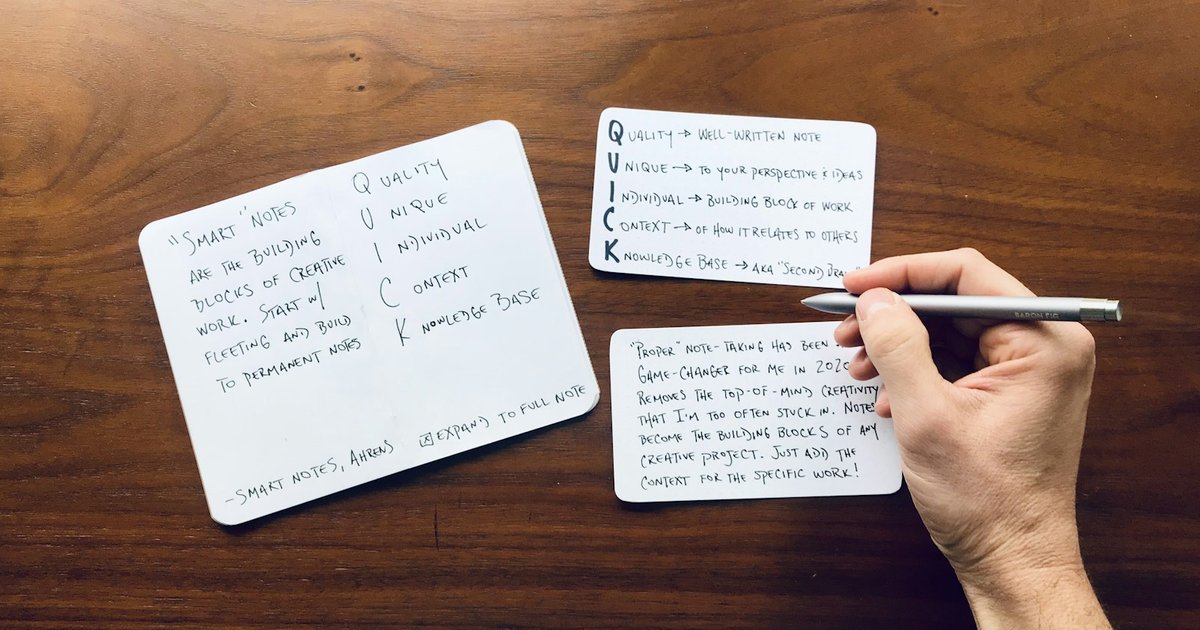
Photo by Matt Ragland on Unsplash
What makes a flashcard app good
A flashcard app does two jobs. It makes you recall an answer before you see it, which is what builds memory (rereading the page does much less). And it schedules each card: a card you know well waits weeks, a card you just missed comes back tomorrow. Paper flashcards do the first job and fail the second, which is why a shoebox of index cards turns into “review all of them, every night” by week three.
So judge any flashcard app on four things, in this order:
- The scheduler. Which algorithm decides the next review date, and can you set how much you want to remember?
- Who writes the cards. Writing good cards is the slowest part of studying. Some apps leave it to you, some will draft them from your material.
- Lock-in. If the app shuts down, raises its price or stops suiting you, can you export your decks and your review history to something else?
- Price of the parts you will actually use. A free tier that limits reviewing is very different from one that limits creating.
Watch Phosphor in action
FSRS vs SM-2: the scheduler question
Most flashcard apps schedule reviews with one of two algorithms.
SM-2 comes from SuperMemo and dates from the late 1980s. It gives each card an “ease” number and multiplies the gap after every correct answer. It works, but it treats every card with the same rough formula and is known for leaving some cards on gaps that are far too short (“ease hell”) and others too long.
FSRS (Free Spaced Repetition Scheduler) is a newer open-source algorithm. It models two things per card, how stable the memory is and how difficult the card is for you, and predicts the day your chance of recalling it drops to a target you choose. Anki’s own manual describes FSRS as an alternative to its “legacy SuperMemo 2 (SM-2) algorithm”, sets the default desired retention at 90%, and asks you to enable FSRS in the deck options.
The practical difference: with FSRS you pick a retention target and the scheduler works backwards from it, so you can trade review time against recall on purpose. With SM-2 you mostly tune multipliers and hope.
The four apps, compared
| Anki | RemNote | Brainscape | Phosphor | |
|---|---|---|---|---|
| Default scheduler | SM-2 (legacy) | Anki SM-2 | Its own spaced retrieval, driven by your confidence rating | FSRS-6 |
| FSRS | Yes, switched on in deck options | Yes, as a beta setting | not listed | Yes, always on |
| Who writes the cards | You, or download shared decks | You, inside your notes; AI can draft from notes and PDFs | You, or AI from PPT, PDF or Word files | Built for you from a lecture video, a topic or pasted notes |
| Free tier | Computer version and AnkiDroid free; AnkiMobile is paid | Free plan; paid tier for advanced AI | Free to make or import unlimited cards; paid for unlimited AI creation | Free plan: 10 video summaries and 3 new decks a week, reviewing never limited |
| Leaving | Free AnkiWeb sync; add-ons | not listed | not listed | Export to Anki (.apkg or CSV), Markdown, PDF |
Disclosure: Phosphor is our app. Competitor details come from each product’s own site and manual, checked on 21 October 2026. Where a site did not state something, the table says “not listed” rather than guessing.
Anki: the most control, the most setup
Anki is the reference point every other flashcard app gets measured against. The desktop version is free, AnkiDroid is free and built by contributors, and AnkiMobile is a paid purchase that funds development. Sync between them runs through the free AnkiWeb service, and there is a large library of shared decks and add-ons.
Anki’s strength is control. Anki 23.10 and later support FSRS, and you can tune the desired retention per deck. Its weakness is the same thing: it is a toolkit. FSRS is off until you turn it on, every card is yours to write, and new users routinely spend more time on settings than on studying.
Pick Anki if you are studying something with a big shared-deck community (medicine, languages), you are happy to write or curate cards, and you want to own every setting.
RemNote: notes and cards in one place
RemNote calls itself an AI note-taking tool that helps you learn. You write notes and turn lines of them into flashcards in the same document, and its AI can draft study material from notes, PDFs and lecture transcripts. Its scheduler defaults to Anki’s SM-2, with FSRS offered as a beta setting you switch on in the scheduler options.
Pick RemNote if you take your notes digitally anyway and want the cards to live next to them, rather than in a separate app.
Brainscape: confidence-based review
Brainscape does not ask “right or wrong”. It asks how confident you are in each card and uses that rating to decide how soon you see it again, which it calls its spaced retrieval algorithm. Making or importing cards is free and unlimited; the paid plans add unlimited AI card creation from files like PowerPoint, PDF and Word, plus certified content and extra stats.
Pick Brainscape if you like rating your own confidence and want ready-made certified decks for a standard exam.
Phosphor: cards built from what you study
Phosphor starts from the material instead of the blank card. Paste a lecture video link, type a topic or paste your own notes, and it writes a summary and notes first, then builds the flashcards from them. A card made from a video links to the second it came from, so you can check it in a tap instead of rewatching.
Every card is scheduled with FSRS-6 at a 90% recall target. Add an exam date and the target rises to 95% for the last 14 days, so reviews bunch up when it matters. You grade Again, Hard, Good or Easy (the same four buttons as Anki), cards you keep missing collect in their own list to rewrite or suspend, and a due card can be graded straight from its reminder.
On lock-in: any deck exports as a native Anki package (.apkg) or CSV, as well as Markdown for Obsidian and PDF. That is deliberate. If you outgrow Phosphor, or want Anki’s add-ons for one subject, your cards come with you. If you want to try it, Phosphor’s page shows how the scheduling and video cards work.
Pick Phosphor if most of what you study is lectures and videos and the bottleneck is making cards, not reviewing them.
What about Quizlet?
Quizlet is the name most students know, with a huge library of sets made by other students. We could not load Quizlet’s own feature and pricing pages when we checked, so we have left it out of the table rather than describe its scheduling or plans from memory. If you are weighing it, check two things on its site yourself: whether review timing is spaced per card or per study session, and which study modes sit behind the paid plan.
Which flashcard app should you pick?
- You want maximum control and shared decks: Anki, with FSRS switched on.
- You write digital notes and want cards inside them: RemNote.
- You like rating confidence and want certified exam decks: Brainscape.
- You learn from lectures and hate writing cards: Phosphor, and export to Anki whenever you like.
Whichever you choose, the habit matters more than the app: review the cards that are due, every day, and stop adding new ones on days the due pile is large. A good scheduler can only space out the reviews you actually do.
Phosphor is built by Teamz Lab, a small app studio that also builds apps for clients; you can see our client work and reviews on Upwork.
Have a project in mind?